
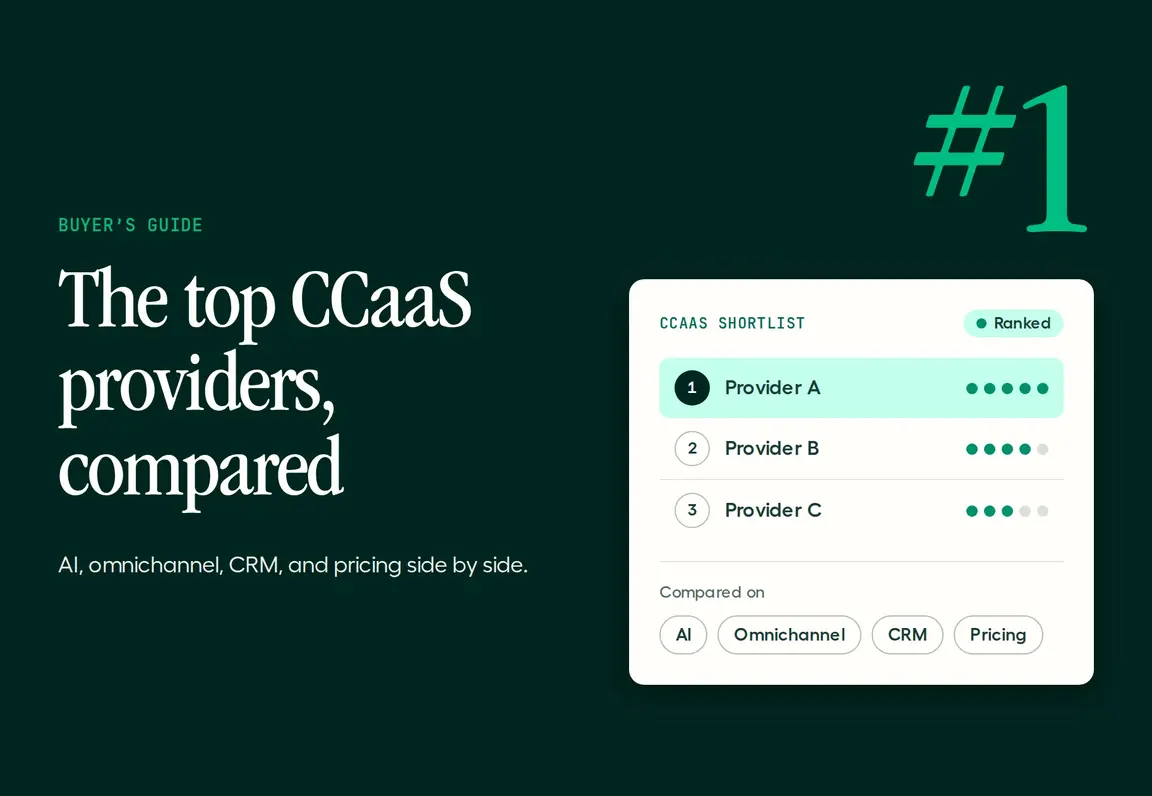
CCaaS (contact center as a service) providers run your contact center in the cloud: routing, queues, analytics, integrations, and AI, with no on-site hardware.
The best pick depends on your team. Genesys, NICE, and Five9 suit large enterprises with complex workforce needs. Talkdesk suits AI-first support centers.
Aircall is a cloud contact center (CCaaS) platform for sales and support teams, with AI Voice Agents and 250+ native integrations, and it's the best overall pick for teams that run on voice and want to go live in days, not months.
Disclosure: Aircall is one of the providers on this list. We ranked all 10 on the same criteria and list real cons for each, including ours.
Best CCaaS providers at a glance
Prices are list prices in USD, as published by each provider or cited from their pricing pages in October 2026.
Provider | Best for | AI that answers calls | Starting price |
Aircall | Sales and support teams that run on voice | AI Voice Agents, 50 free minutes a month, then $0.29/min | $30/license/month (annual) |
Talkdesk | AI-first support centers | AI agents as add-ons | $85/user/month (Digital Essentials) |
Dialpad | AI transcription across calls and meetings | AI agents, custom pricing | $89/user/month (contact center) |
NICE CXone | Large omnichannel operations | Virtual agents on higher suites | $110/agent/month |
Genesys Cloud CX | Global enterprises | Virtual agents, billed in AI tokens | $75/user/month (annual, voice only) |
Five9 | High-volume outbound | Intelligent virtual agents, quote-based | $119/seat/month, 50-seat minimum |
RingCentral RingCX | Teams already on RingCentral | AI features by tier | $65/agent/month |
Amazon Connect | AWS-native, pay-per-use builds | AI bots, pay per use | $0.038/voice minute, plus telephony |
Zoom Contact Center | Teams already on Zoom | Zoom Virtual Agent, sold separately | About $69/agent/month |
8x8 | Phone and contact center from one vendor | AI virtual agent, quote-based | Quote-based |
The 10 best CCaaS providers, reviewed
Each provider is ranked on the six criteria explained in how we ranked these providers, further down the page, with time to go live, integrations, and AI weighted highest.
1. Aircall: best for sales and support teams that run on voice
Pick Aircall if your team lives on the phone and you want a contact center that's live in days, connected to your CRM, with AI answering the calls nobody can pick up.
Best for: Sales and support teams that run on voice
Channels: Calls, SMS, and WhatsApp on one number
AI that answers calls: AI Voice Agents, 24/7 in 38 languages
AI that assists reps: Call summaries, transcription, Call Scoring, and real-time coaching
Integrations: 250+ native, including Salesforce, HubSpot, Zendesk, and Microsoft Teams
Starting price: $30/license/month (annual), 3-user minimum; Enterprise plan for 25+ licenses
Free trial: Yes
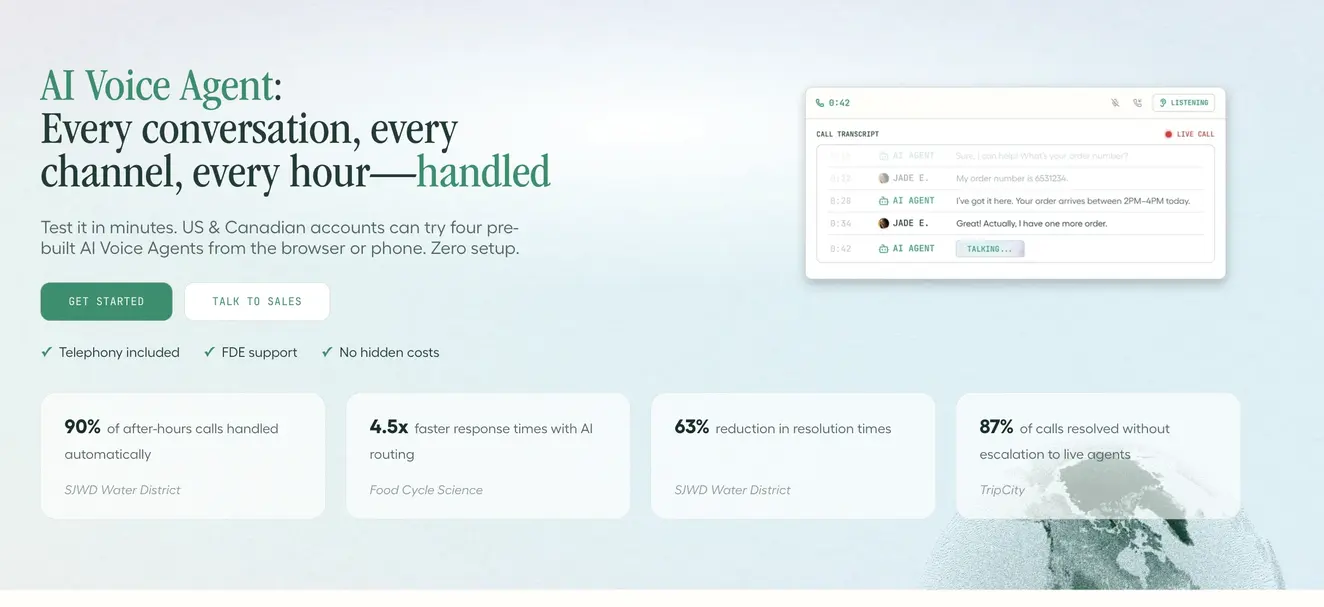
Aircall is a cloud contact center built for teams that want power without a long rollout. Admins set up numbers, IVR, and routing in minutes, and every call logs to the CRM automatically. AI Voice Agents answer overflow and after-hours calls and pass complex ones to reps with full context. Every plan includes 50 AI minutes a month, then $0.29 per minute, with bundles down to $0.23 and custom plans from $0.19 at volume.
Pros
Live in days without professional services.
250+ native integrations log every call to the right record.
AI Voice Agents with public per-minute pricing.
Cons
No native workforce management suite.
Voice and messaging first; email routing stays in your helpdesk.
SSO, SCIM, and the enterprise SLA need the Enterprise plan (25+ licenses).
Proof: TechRadar names Aircall its "Best new CCaaS provider." More than 23,000 businesses use Aircall.
Choose it if your team needs a contact center running this month, not next quarter.
2. Talkdesk: best for AI-first support centers
Pick Talkdesk if you run a dedicated support center and want a broad contact center suite with AI layered on top.
Best for: Mid-size and large support centers
Channels: Voice, email, chat, SMS, and social
AI that answers calls: AI agents as add-ons
AI that assists reps: Agent assist and quality tools on higher tiers
Integrations: CRM, helpdesk, and workforce tools
Starting price: $85/user/month (Digital Essentials), $105 (Voice Essentials), $165 (Elite)
Free trial: Demo first
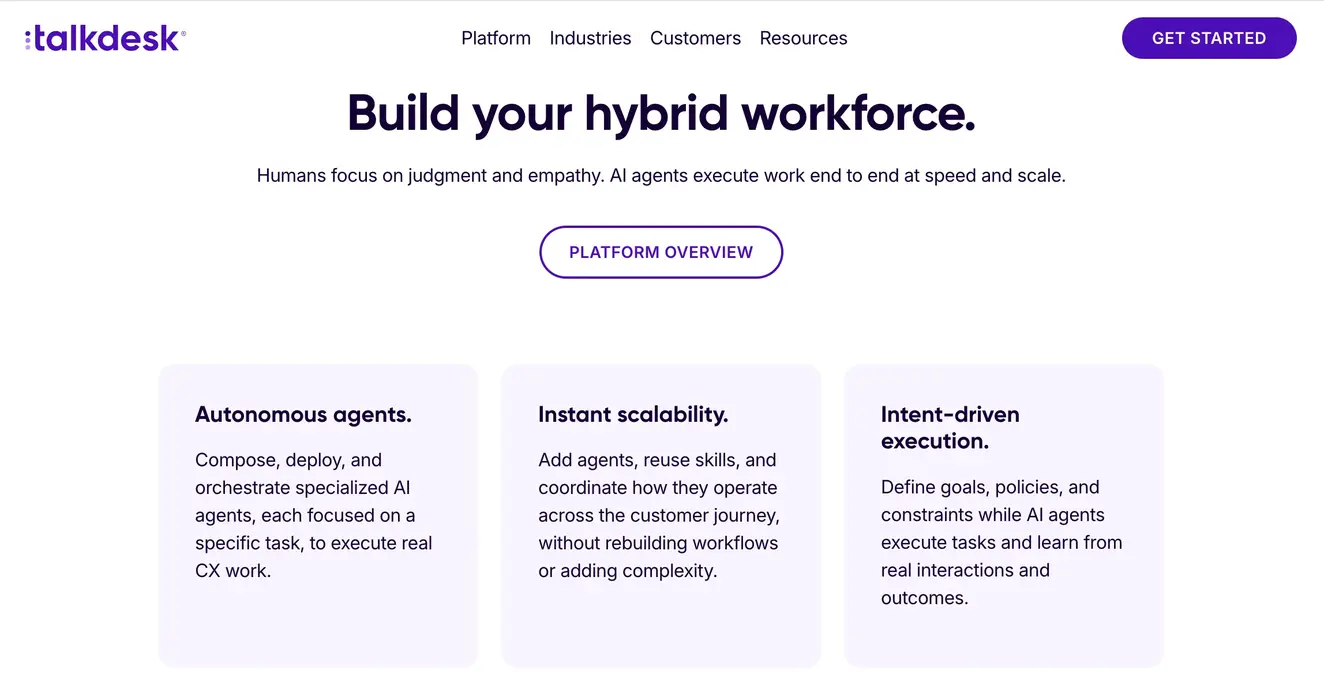
Talkdesk is a full contact center platform with routing, dashboards, and reporting across channels. Higher tiers add workforce management and custom reporting, and its AI tools sit on top as add-ons.
Pros
Deep contact center features across many channels.
Workforce management on higher tiers.
Strong focus on support use cases.
Cons
Voice starts at $105 per user, more than three times Aircall's entry plan.
Advanced features and AI sit in higher tiers or add-ons.
Longer implementation than lighter tools.
Choose it if you run a large, support-only operation. See Aircall vs Talkdesk.
3. Dialpad: best for AI transcription across calls and meetings
Pick Dialpad if you want your contact center, business phone, and meetings in one app with AI transcription built in.
Best for: Teams that want calls and meetings in one app
Channels: Voice and digital, with omnichannel routing
AI that answers calls: AI agents at custom pricing
AI that assists reps: AI transcripts and real-time assist
Integrations: CRM and helpdesk integrations
Starting price: $89/user/month (Contact Center Essentials)
Free trial: Yes
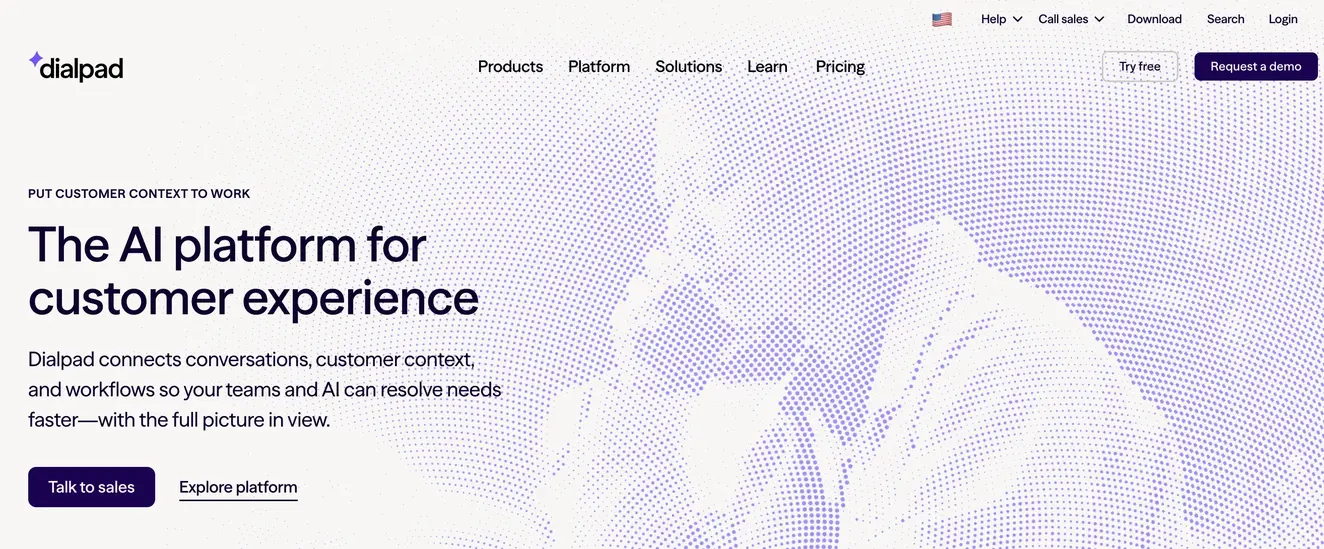
Dialpad's contact center adds omnichannel routing, a power dialer, and AI transcripts on top of its business phone. AI agents for calls and digital channels are priced separately.
Pros
AI transcription across calls and meetings.
One vendor for phone, meetings, and contact center.
Power dialer included on the contact center plan.
Cons
The contact center is a separate, higher-priced product from Dialpad's business phone.
AI agents need a custom-priced purchase.
Smaller integration library than Aircall.
Choose it if meetings matter as much as calls. See Aircall vs Dialpad.
4. NICE CXone: best for large omnichannel operations
Pick NICE CXone if you run a large contact center that needs every channel, workforce management, and analytics in one suite.
Best for: Large, multi-channel contact centers
Channels: Voice, digital, and proactive web engagement
AI that answers calls: Virtual agents on higher suites
AI that assists reps: AI routing, quality, and analytics tools
Integrations: Enterprise CRM and workforce tools
Starting price: $110/agent/month (Omnichannel Suite), up to the high $200s
Free trial: Demo first
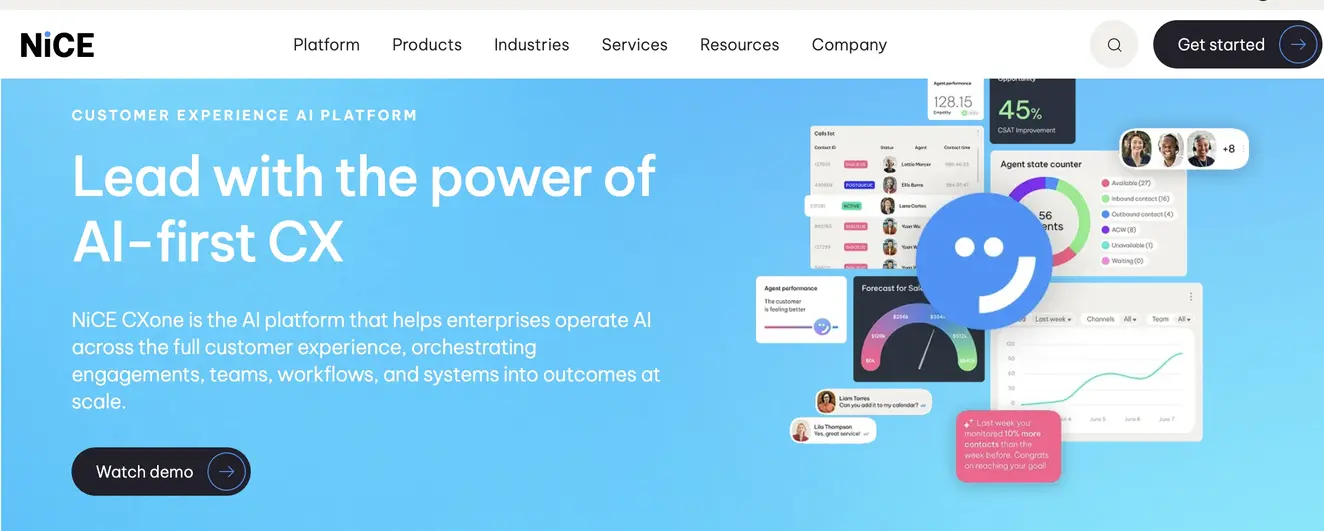
NICE CXone packages contact center tools into suites, from omnichannel routing up to full workforce engagement and AI. It's built for large operations that want one vendor for everything.
Pros
Very broad feature set.
Strong workforce management and analytics.
Published suite pricing.
Cons
Expensive for small and mid-size teams.
Complex setup and administration.
More platform than most sales teams need.
Choose it if you manage hundreds of agents across channels.
5. Genesys Cloud CX: best for global enterprises
Pick Genesys if you're a global enterprise that needs deep routing, workforce engagement, and journey management.
Best for: Global enterprises
Channels: Voice on CX 1; digital channels from CX 2
AI that answers calls: Virtual agents, billed in AI tokens
AI that assists reps: Agent Copilot and speech analytics
Integrations: Large enterprise marketplace
Starting price: $75/user/month (CX 1, annual), $115 (CX 2), $155 (CX 3), $240 (CX 4)
Free trial: Demo first
Genesys Cloud CX scales from voice-only CX 1 to CX 4 with journey management. Most teams need CX 2 or higher for digital channels, and AI features use a token allowance.
Pros
Enterprise-grade routing and workforce engagement.
Strong global footprint.
Clear tier structure.
Cons
Digital channels need CX 2, a 53% jump over CX 1.
AI usage is metered in tokens, which is harder to budget.
Annual billing only.
Choose it if you're standardizing a large global operation.
6. Five9: best for high-volume outbound
Pick Five9 if you run large outbound campaigns and need a proven dialer at scale.
Best for: Large outbound and blended contact centers
Channels: Voice and digital
AI that answers calls: Intelligent virtual agents, quote-based
AI that assists reps: Agent assist, quote-based
Integrations: Enterprise CRM integrations
Starting price: $119/seat/month (Digital), $159 (Core), 50-seat minimum
Free trial: Demo first
Five9 is a long-established cloud contact center known for outbound dialing. It prices per concurrent seat, and higher tiers are quote-only.
Pros
Strong outbound dialing.
Proven at large scale.
Concurrent seats suit shift-based teams.
Cons
A 50-seat minimum on every plan rules out smaller teams.
Higher tiers are quote-only.
Long implementation.
Choose it if outbound volume is your core business.
7. RingCentral RingCX: best for teams already on RingCentral
Pick RingCX if your company already runs RingCentral for business calling and wants a contact center from the same vendor.
Best for: RingCentral customers
Channels: Voice, video, and 20+ digital channels
AI that answers calls: AI features by tier
AI that assists reps: Agent assist and quality management
Integrations: CRM integrations
Starting price: $65/agent/month, up to $145
Free trial: Demo first
RingCX is RingCentral's contact center, sold as a separate license from its RingEX business phone plans. Advanced AI sits in the Professional and Elite tiers.
Pros
One vendor for phone and contact center.
Many digital channels.
Competitive entry price.
Cons
A separate license on top of RingEX seats.
Advanced AI needs higher tiers.
Admin settings take time to learn.
Choose it if RingCentral is already your phone provider. See Aircall vs RingCentral.
8. Amazon Connect: best for AWS-native, pay-per-use builds
Pick Amazon Connect if you have AWS engineers and want to build a contact center you pay for by usage.
Best for: Technical teams on AWS
Channels: Voice, chat, email, SMS, and messaging
AI that answers calls: AI bots, pay per use
AI that assists reps: AI tools, pay per use
Integrations: AWS services and APIs
Starting price: $0.038 per voice minute, plus telephony; $0.010 per chat message
Free trial: AWS free tier
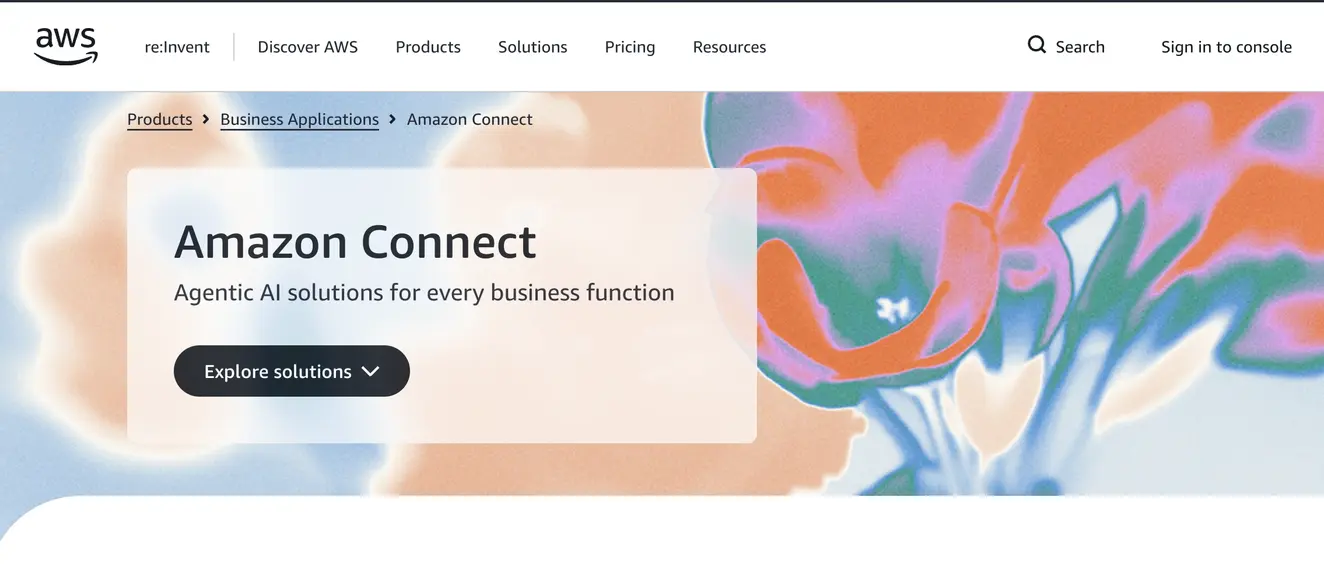
Amazon Connect has no seat licenses. You pay for what you use, and you build flows, routing, and integrations with AWS tools.
Pros
No seat licenses or minimums.
Scales with demand.
Deep AWS integration.
Cons
Usage pricing is harder to forecast.
Needs AWS expertise to build and maintain.
Few out-of-the-box sales features.
Choose it if you have engineers who want full control.
9. Zoom Contact Center: best for teams already on Zoom
Pick Zoom Contact Center if your company runs on Zoom and wants voice and video support in the same app.
Best for: Zoom Workplace customers
Channels: Voice, video, and digital
AI that answers calls: Zoom Virtual Agent, sold separately
AI that assists reps: AI Companion features
Integrations: Zoom marketplace and CRM integrations
Starting price: About $69/agent/month
Free trial: Through sales
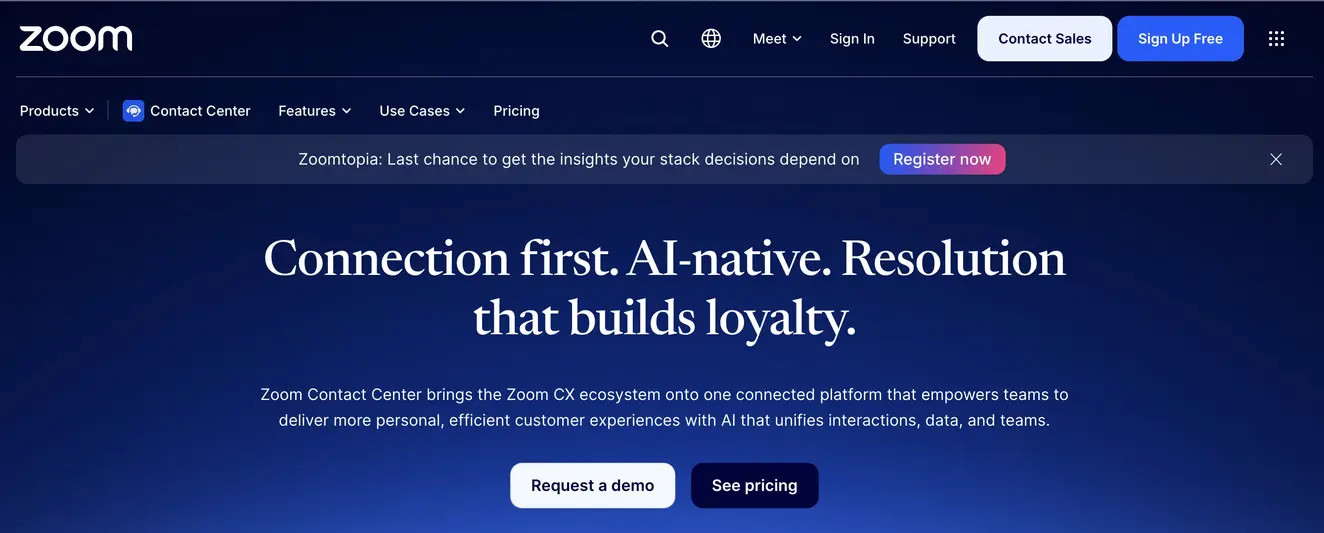
Zoom Contact Center adds routing and queues to the Zoom app your team knows, with video support as a differentiator.
Pros
Familiar Zoom interface.
Video support built in.
Simple setup for Zoom customers.
Cons
AI agents are a separate product.
Fewer native CRM integrations than phone-first tools.
Best value only inside the Zoom ecosystem.
Choose it if Zoom is already your main platform.
10. 8x8: best for phone and contact center from one vendor
Pick 8x8 if you want business calling and a contact center from one vendor, across several countries.
Best for: Mid-size and larger global companies
Channels: Voice, video, SMS, and contact center channels
AI that answers calls: AI virtual agent, quote-based
AI that assists reps: Conversation intelligence, quote-based
Integrations: CRM and helpdesk integrations
Starting price: Quote-based
Free trial: Demo first
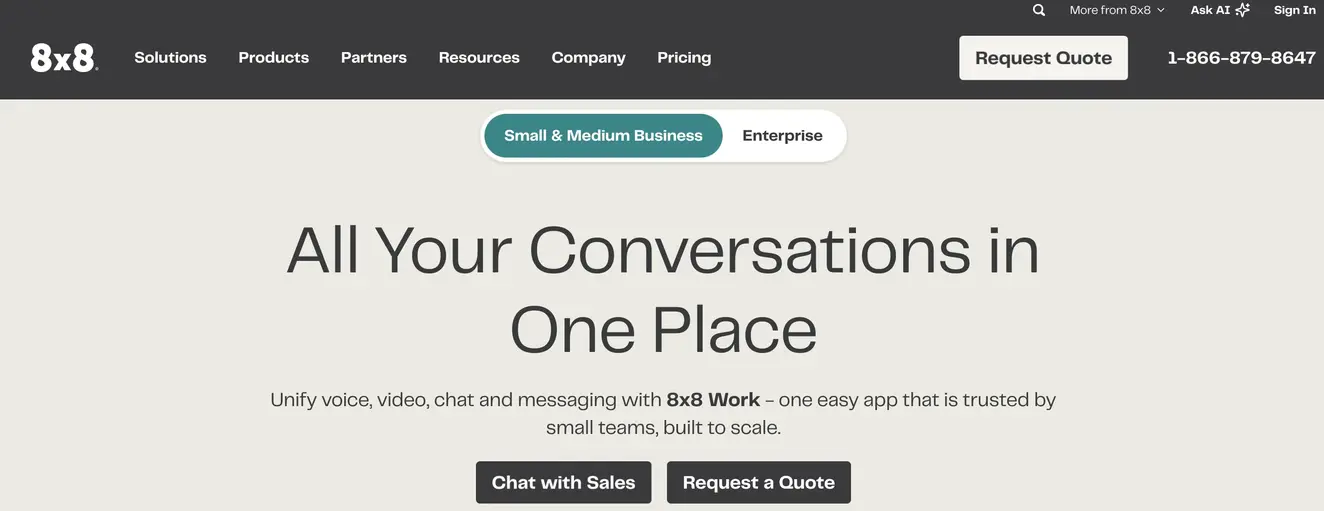
8x8 combines unified communications and contact center on one platform, with international calling built into its plans.
Pros
Phone and contact center from one vendor.
Strong international calling coverage.
Suits multi-site companies.
Cons
No public pricing.
Longer sales and setup process.
More platform than a small team needs.
Choose it if you're consolidating phone and contact center globally. See Aircall vs 8x8.
How we ranked these CCaaS providers
We scored each provider on six criteria, weighted toward what sales and support teams buy for:
Time to go live (20%): can a team launch without professional services?
Integrations (20%): native connections to CRMs and helpdesks.
AI (20%): AI that answers calls and AI that assists reps.
Ease of use (15%): for reps and admins.
Pricing transparency and total cost (15%): public prices, minimums, and add-ons.
Analytics and reporting (10%): real-time and historical.
Prices come from each provider's pricing page or published pricing breakdowns, checked in October 2026. Enterprise suites like Genesys and NICE lead on workforce management, which this ranking weights less because most sales and support teams don't need it.
What is CCaaS?
CCaaS, or contact center as a service, is cloud software that runs a contact center over the internet. The provider hosts routing, queues, IVR, recording, analytics, and AI, and you pay a subscription instead of buying on-site hardware. Learn more in our guide to what CCaaS is.
How is CCaaS different from UCaaS and a traditional call center?
CCaaS | UCaaS | Traditional call center | |
Built for | Customer-facing sales and support | Internal communication | Customer calls |
Hosted | In the cloud | In the cloud | On-site hardware |
Key tools | Routing, queues, IVR, analytics, AI | Calling, video, messaging | Phone lines and desk phones |
Scaling | Add seats in minutes | Add seats in minutes | New lines and hardware |
See the full comparison of UCaaS vs CCaaS.
How do you choose a CCaaS provider?
Start with the questions that decide whether a platform works for your team day to day.
Does it integrate with your CRM and helpdesk?
Check that integrations are native, not built through a middle layer, and which plan includes them. Calls, recordings, and notes should log to the right record automatically. Aircall offers 250+ native integrations, including Salesforce, HubSpot, and Zendesk.
What can its AI actually do?
Separate two kinds of AI:
AI that answers calls: agents that resolve routine requests and hand off complex ones.
AI that assists reps: transcription, summaries, coaching, and quality scoring.
Then check how each is priced. Per minute, per conversation, and token-based pricing behave very differently at volume.
How good are the analytics and reporting?
Look for real-time dashboards for supervisors, historical reports for managers, and call-level detail for coaching. Aircall's analytics show live and historical performance across AI and human calls.
What technical support and SLA do you get?
Ask which plan includes phone support, what response times apply, and whether an uptime SLA is in the contract. Enterprise SLAs often sit on the top tier only.
Does it meet your security and compliance needs?
Check for SOC 2 Type II, GDPR, and CCPA at minimum, plus HIPAA or PCI if you handle health or payment data. Ask whether SSO and user provisioning need a higher plan.
How easy is it to migrate in or out?
Confirm you can port existing numbers, export call data, and leave without a long lock-in. Check contract length and seat minimums before you sign.
How much does CCaaS cost?
CCaaS providers use four main pricing models:
Model | How it works | Examples |
Per user or agent | A monthly fee for each named user | Aircall, Talkdesk, NICE, Genesys, RingCX |
Concurrent seat | A fee per seat in use at the same time, often with minimums | Five9 (50-seat minimum) |
Usage-based | Pay per minute or message, no seats | Amazon Connect |
AI usage | Per AI minute, per conversation, or in tokens | Aircall ($0.29/min), Genesys (tokens) |
What drives total cost of ownership?
List price per seat is only the start. For a 20-agent team, annual list prices for seats alone look like this:
Aircall Professional: $50 × 20 × 12 = $12,000, with unlimited US and Canada calls included.
RingCX Standard: $65 × 20 × 12 = $15,600.
Genesys CX 1 (voice only): $75 × 20 × 12 = $18,000.
Talkdesk Voice Essentials: $105 × 20 × 12 = $25,200.
NICE Omnichannel Suite: $110 × 20 × 12 = $26,400.
Five9 Core: $159 × 50-seat minimum × 12 = $95,400.
On top of seats, budget for telephony, AI usage, add-ons, implementation, and admin time. See current Aircall pricing.
How do you migrate to a new CCaaS provider?
Map what you have. List numbers, call flows, queues, integrations, and reports.
Port your numbers. Start the port early and keep the old service active until it completes.
Rebuild routing. Recreate call routing, IVR, and business hours on the new platform.
Connect integrations and train teams. Link your CRM and helpdesk, then run short sessions for reps and supervisors.
Test, launch, and retire the old system. Run test calls, check CRM logging, then switch over.
Get a contact center that's live this week
Aircall gives sales and support teams a cloud contact center with AI Voice Agents, 250+ native integrations, and calls, SMS, and WhatsApp on one number. Larger teams can scale with the Enterprise plan for medium and large businesses.
Try Aircall's call center software
Frequently asked questions
What is a CCaaS provider?
A CCaaS provider hosts your contact center software in the cloud, including routing, queues, IVR, analytics, and AI. You pay a subscription, and your team works from any device. Aircall is a cloud contact center (CCaaS) platform for sales and support teams, with AI Voice Agents and 250+ native integrations.
What is the best CCaaS provider?
It depends on your team. Genesys, NICE, and Five9 suit large enterprises with complex workforce needs. For sales and support teams that run on voice and want to go live quickly, Aircall is the best overall pick, with 250+ native integrations and AI Voice Agents built in.
How much does CCaaS cost per agent?
Most CCaaS providers charge $65 to $250 per agent per month for full contact center suites. Aircall starts at $30 per license per month, billed annually, with AI Voice Agents at $0.29 per minute after 50 free minutes a month.
What's the difference between CCaaS and UCaaS?
CCaaS is built for customer-facing teams, with routing, queues, and analytics. UCaaS is built for internal communication, with calling, video, and messaging. Many companies use both. Aircall combines a business phone system with contact center features in one platform.
Can CCaaS integrate with my CRM?
Yes. Most CCaaS providers integrate with major CRMs, but depth varies. Aircall connects natively with Salesforce, HubSpot, Zendesk, and 250+ other tools, so calls, recordings, and notes log automatically.
How long does it take to implement CCaaS?
It ranges from days to months. Enterprise suites with custom workflows often need professional services and several months. Aircall teams can set up numbers, routing, and integrations in minutes and go live within days.
Is CCaaS secure?
Business-grade CCaaS providers encrypt data and hold security certifications. Aircall encrypts data in transit and at rest, complies with SOC 2 Type II, GDPR, and CCPA, and supports HIPAA through a Business Associate Agreement on request. Single sign-on is available on the Enterprise plan.
Published on .
Ready to build better conversations?
Simple to set up. Easy to use. Powerful integrations.
Get free access