

Ready to build better conversations?
Simple to set up. Easy to use. Powerful integrations.
Get startedReady to build better conversations?
Simple to set up. Easy to use. Powerful integrations.
Get startedThere’s a process failure embedded in almost every SaaS support operation, and it happens in the same place every time: the moment after a support call ends. The customer has explained their issue. The call is over. And the agent opens Zendesk and begins reconstructing the conversation from memory; account name, product area, issue type, severity, steps already attempted - filling in fields that should have been captured during the call, not after it.
The information was said out loud, on a recorded line, while the agent was also trying to listen, diagnose, and respond. The process asks one person to do too many things simultaneously, and then penalises the downstream team when the output is incomplete.
This is a design problem. And it has a straightforward design solution.
The hidden cost of post-call admin
Agent burnout risk in contact centres sits at 74%. The administrative overhead of support work (ticket creation, call logging, record updates) is a significant and under-acknowledged contributor to that figure. The agents carrying the most institutional knowledge about a product are spending a portion of every working day on work that doesn’t require that knowledge at all.
The downstream cost is equally real. A Zendesk ticket with missing fields, an incorrect priority level, or an incomplete issue description doesn’t just create admin rework, it extends resolution time, creates unnecessary back-and-forth with the customer, and delays the engineering or CSM team from addressing the actual problem. The cost of a poorly created ticket propagates through every team that touches it.
First Call Resolution benchmarks in SaaS sit at 70-75%, with each 1% improvement representing a 5% uplift in CSAT. Resolving quickly is directly impacting not just customer happiness, but reputation as well.
What happens before the human picks up
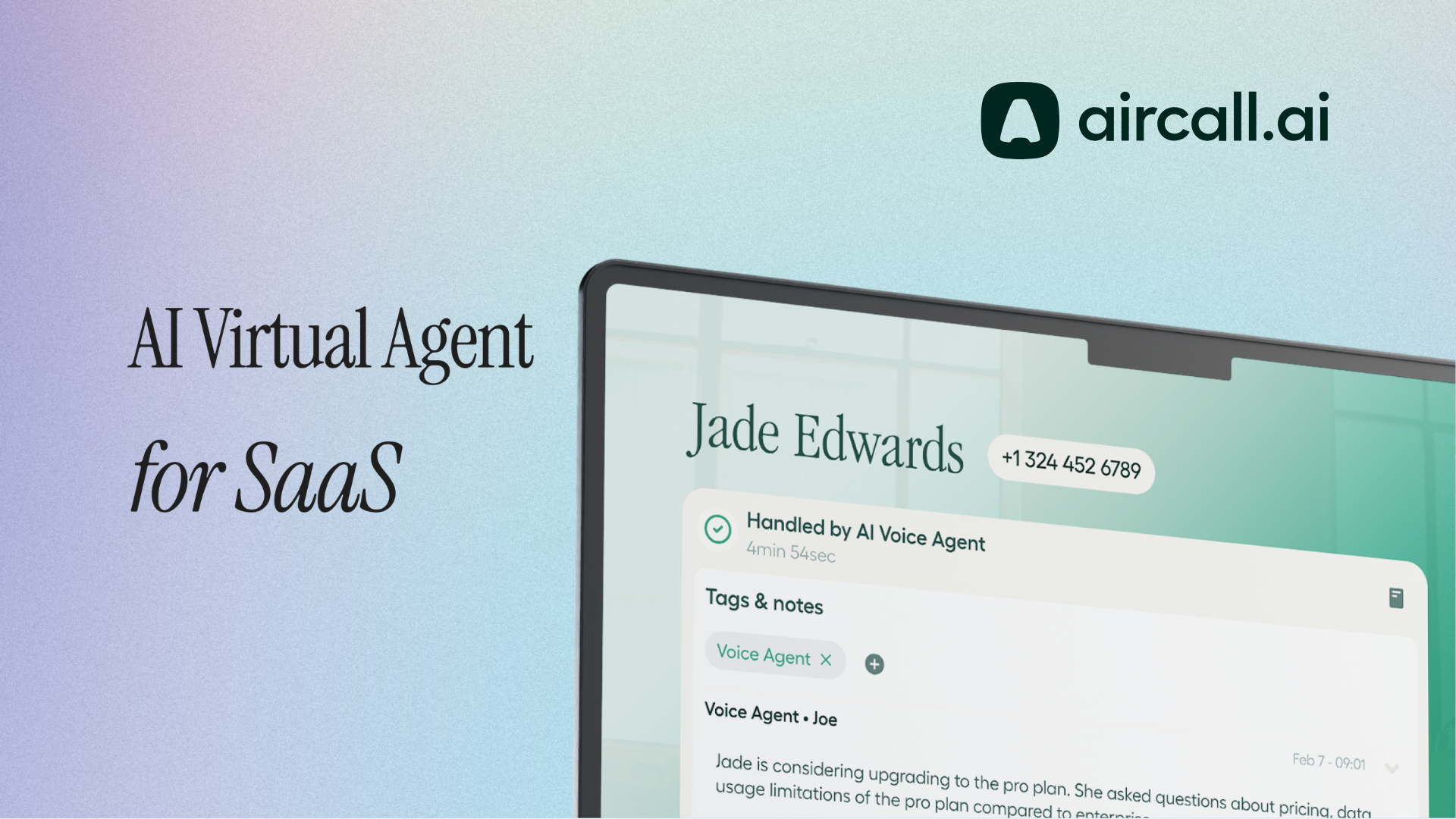
AI Virtual Agent connected to Zendesk via AI Actions handles the triage layer of every inbound support call before it reaches a human agent. The agent verifies the caller's identity, identifies the affected product or account, captures the issue description and any troubleshooting already attempted, and creates a structured Zendesk ticket mid-call, with all fields populated and priority set according to the logic the team has defined.
The call routes to the right team on a warm transfer that includes the ticket reference and full context. The human agent who picks up isn’t starting from scratch. They’re walking into a briefed conversation with a documented issue and a ticket already in the system.
For Tier 1 queries like billing FAQs, password resets, standard feature questions, AI Virtual Agent resolves them directly from the knowledge base without creating a ticket at all. No agent time consumed. No ticket overhead. No queue volume from interactions that never needed to reach the queue.
Routing accuracy is an operational differentiator
Misrouting is one of the least visible and most consistently costly inefficiencies in SaaS support. A billing query that lands with a technical engineer wastes the engineer's time, delays the customer's resolution, and creates a transfer that the customer experiences as disorganisation. A P1 incident report that enters the standard queue behind a feature question creates genuine business risk.
Intent-based routing - where AI Virtual Agent directs the call based on what the customer actually says, not which IVR option they selected - is the mechanism that makes routing accurate at scale. The agent identifies whether the call is a billing query, a product bug, a feature question, or a critical escalation, and routes accordingly. For operations supporting multiple product lines or tiered customer accounts, that routing logic reflects those distinctions: enterprise customers route to dedicated queues, critical severities trigger immediate escalation paths, and the logic applies consistently on every call without manual intervention.
The after-hours gap and the global customer base
SaaS customers operate globally and continuously. Generally, Support teams don’t. The result is a predictable and largely unaddressed gap between when customers in non-primary timezones encounter issues and when anyone is available to receive and log them.
AI Virtual Agent covers that gap. A customer experiencing an issue outside support hours calls, has the issue fully documented, receives a case reference, and is informed of the expected response window. The Zendesk ticket arrives fully formed and priority-set, ready for the opening team. For customers on enterprise SLAs where response time commitments apply around-the-clock, that coverage is the operational difference between a breach and a resolution.
Scoping the deployment honestly
A Zendesk-connected AI Virtual Agent works best when it’s scoped to what it genuinely handles well. Triage, ticket creation, Tier 1 resolution, and routing are the right starting point. Technical troubleshooting, root cause analysis, and escalation decisions requiring deep product expertise belong with human agents, and the configuration should reflect that clearly.
The agent's job isn’t to replace the support team. It’s to ensure that, by the time a human expert is involved, the administrative groundwork is already done and the conversation that follows is the one that actually requires them.
Published on May 6, 2026.
